


Articles and Research
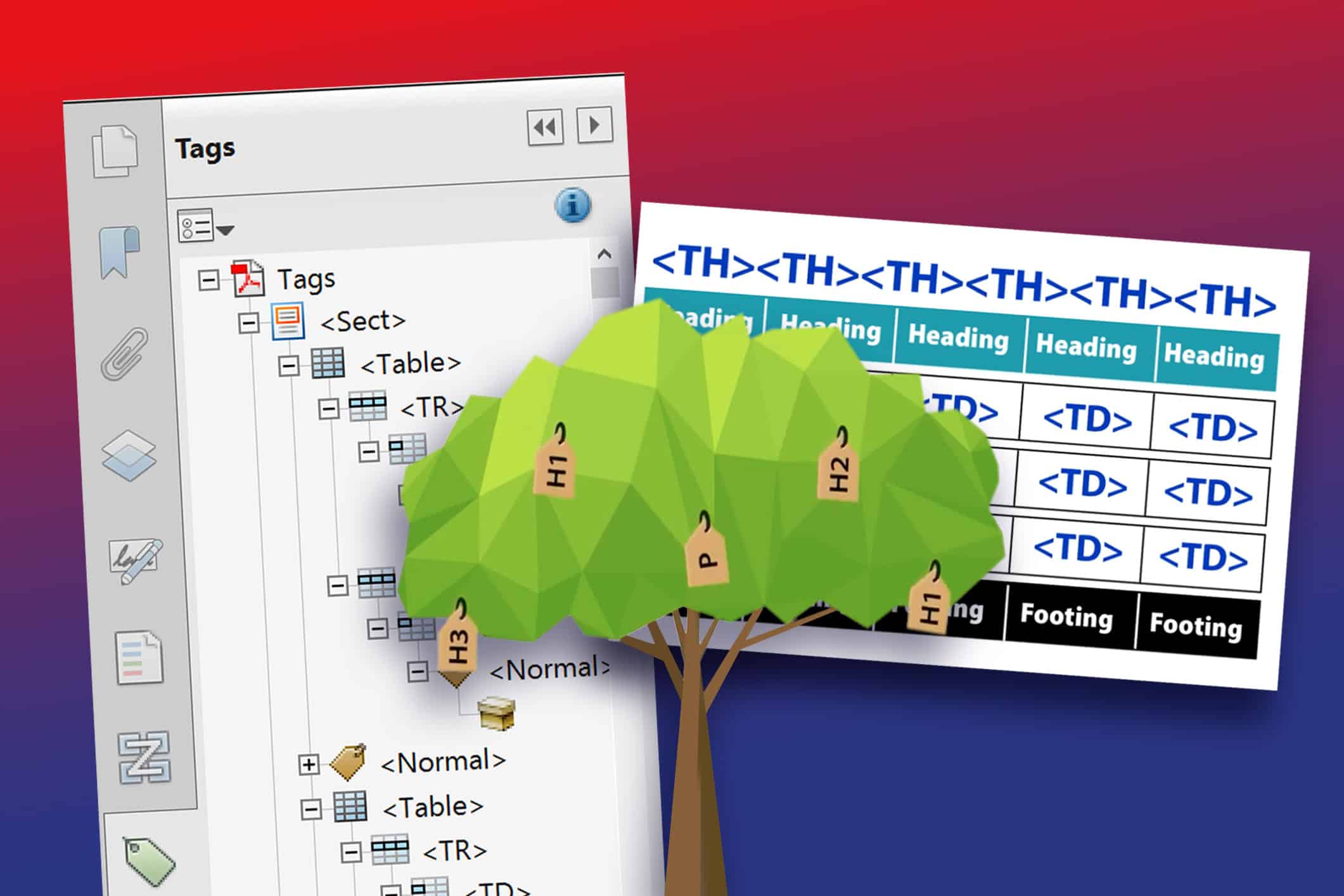
Understanding the PDF Tags Tree
Views: 2021
This video walks you through the basics of the PDF tags tree and why it matters for accessibility. You’ll see how container tags give structure, heading tags keep things organized, and nested tags handle lists and tables. Along the way, it covers simple rules like always starting with a document tag, making sure you have at least one H1, and keeping your tag structure consistent. By the end, the tags tree feels a lot less mysterious and a lot easier to manage in your remediation work.
Key Takeaways
Tags
- Tags act like a hidden map of your PDF, guiding screen readers.
- PDFs use about 30 tags (unlike the web’s hundreds), so clarity and consistency matter most.
Container
- Every PDF should begin with a <Document> tag.
- Use <Part>, <Article>, or <Section> depending on the source document. Stay consistent in your choices.
Headings
- Headings must follow a logical order (H1 → H2 → H3 is fine; H1 → H2 → H4 is not).
- Every PDF needs at least one <H1>. Unlike HTML, having more than one <H1> is acceptable if it fits the structure.
Lists
- Structure lists with <L> (List) → <LI> (List Item) → <Lbl> (bullet/number) + <LBody> (text).
- This ensures screen readers interpret bullets correctly and don’t announce odd symbols.
Tables
- Structure tables with <Table> → <Thead>, <Tbody>, <TFoot>.
- Each row (<TR>) should contain only <TH> (header) or <TD> (data). Mark any extra elements (like borders) as artifacts.
Download a Reference for PDF Tag Definitions and other PDF Terms
Learn more about the various PDF tag terms and other commons terms concerning PDF accessibility. Fill out the form below to receive the download right in your inbox.
Video Content


In this article:
Related Content

Understanding PDF Forms and the User Experience
Why PDF forms fail accessibility and how Form IQ helps

Accessible Canva: Progress Over Perfection
Exploring what Canva has changed for accessibility and what needs…
Related classes
-

 IAAP Credits Eligible
 3 Hours
Accessible Best Practices for Tables
Tables are a great way to organize and present data. We cover the basics of how to build compliant tables, manage table structures, and resolve irregular accessibility checker errors.11:00 am EDT | 8:00 am PDT -
 IAAP Credits Eligible
 3 Hours
 Free InDesign Plugin
Designing with Accessibility in Mind
Together, we identify the most common content-related accessibility barriers and overcome them with design decisions that free your creativity.11:00 am EDT | 8:00 am PDT -
 IAAP Credits Eligible 3 Hours 3 Free Plugins
Adobe InDesign Best Practices for Accessibility
Learn time-saving secrets that bring InDesign’s accessibility features to the forefront. As a bonus, receive Chax’s custom InDesign plugins and checklists! Designed for all levels of InDesign users.11:00 am EDT | 8:00 am PDT
Need help making your digital content more accessible?
Unravel common accessibility compliance principles! Download this useful WCAG in Plain English reference card.