
Code That Speaks: A Guide to Screen Reader Web Testing
 IAAP Credits Eligible
 3 Hours
$299 USD
 IAAP Credits Eligible 3 Hours
Leah Mattern, CPWA
Are you a web designer, developer, or quality assurance (QA) tester looking to build more inclusive digital experiences?
Testing your website, app, and/or digital experiences with a screen reader is the ultimate way to ensure accessibility. Using a screen reader may feel daunting.
Let us introduce you to web accessibility testing methods and demystify screen readers. This hands-on lab will kickstart your screen reader capabilities, moving you from beginner to confident tester! Learn what they are, who uses them, and why understanding them is critical for modern web design and development.
By the end of this class, you’ll have the skills and confidence to use screen readers as part of your regular testing process and the insight to shift accessibility left in your continuous integration (CI) and continuous delivery/deployment (CD) pipeline.
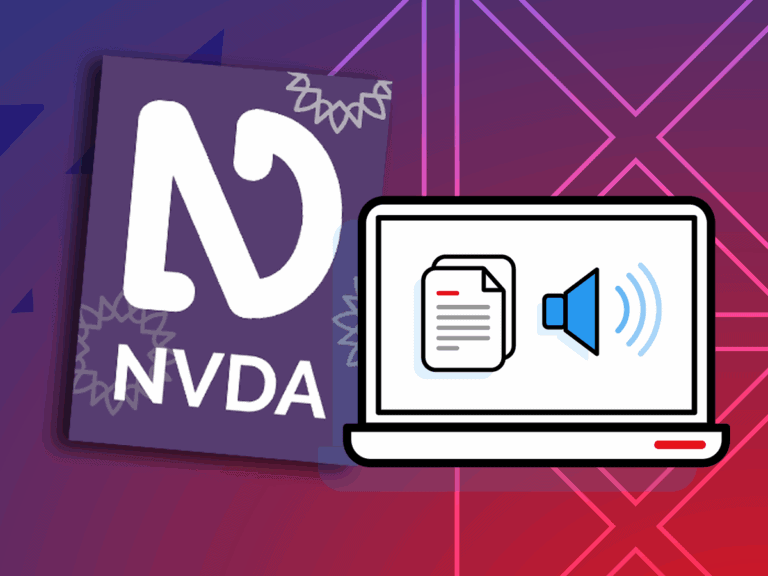
Please note: Screen Readers allow users to navigate between headings, content, links, and more using keyboard shortcuts. After registering for this class, consider your assistive technology (AT) options. Apple’s VoiceOver is the built-in screen reader for macOS and iOS. NVDA is only available for PCs running Microsoft Windows 8.1 or later. You can use NVDA on a Mac by installing Windows using Boot Camp or a virtual machine.
 Certificate of Completion IAAP Education Credits
 Downloadable Takeaways
 Time for Q&A
 Video Available After Session
 Live Class with Professionals
 Find Opportunities to Save
Looking for more options or to book a customized class? Reach out to solutions@chaxtc.com.
For 10% off a bundle of 5+ classes, use code
IN_CTC_10
This course is not currently scheduled.
10/29/26
EDT
Ensure the usability of your digital experiences! Dive deep into web accessibility testing. Get comfortable with NVDA and VoiceOver, learn shortcuts, and follow testing checklists that help you build more inclusive digital experiences.

Awesome class! I can’t wait to sign up for more training courses with you…
June 2025 Attendee

Chad Chelius, ADS and Dax Castro, ADS are two of the most knowledgable and engaging experts on accessibility…
Mimi Heft
Your presentation on accessibility was both timely and incredibly helpful. I learned a lot…
James Harmon
Add your email to our list and be notified when the class becomes available or when the class enrollment period is ending.
 IAAP Credits Eligible 3 Hours
 IAAP Credits Eligible
 3 Hours
 Free InDesign Plugin
 IAAP Credits Eligible 3 Hours 3 Free Plugins

The best way to learn is through your own document, curate your custom training today.
Join the waitlist to get notified when the next class is scheduled.

Why Join the waitlist?
Receive emails when the class reschedules and becomes available.
Chax classes are CAECs eligible and can help you level up your professional skills. Contact Us to learn more.