

Document Testing with NVDA, a Screen Reader
Assistive technology may feel daunting. Testing a document with a screen reader, like NVDA, is the ultimate way to ensure accessibility. We empower you with an evaluation checklist and various...
Assistive technology may feel daunting. Testing a document with a screen reader, like NVDA, is the ultimate way to ensure accessibility. We empower you with an evaluation checklist and various...

Together, we identify the most common content-related accessibility barriers and overcome them with design decisions that free your creativity.
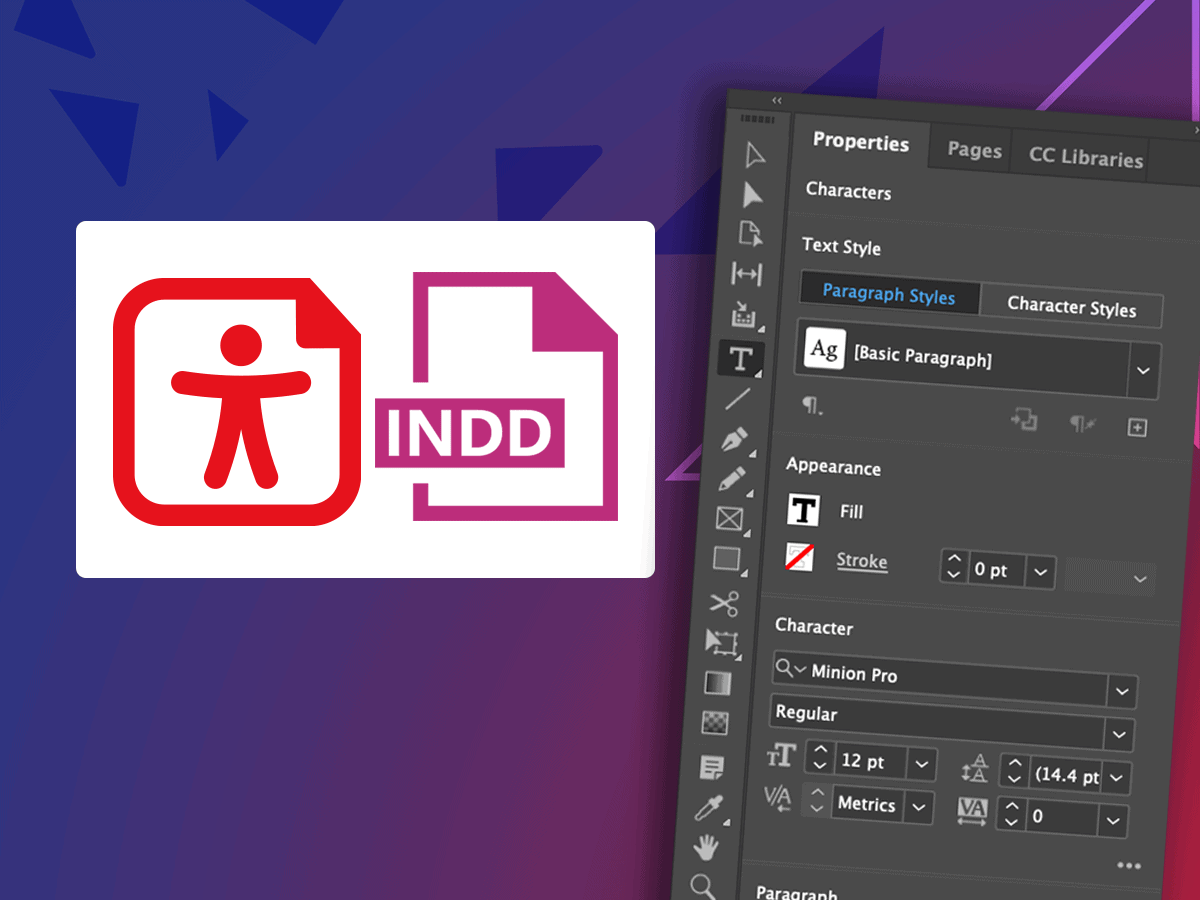
Learn time-saving secrets that bring InDesign's accessibility features to the forefront. As a bonus, receive Chax’s custom InDesign plugins and checklists! Designed for all levels of InDesign users.
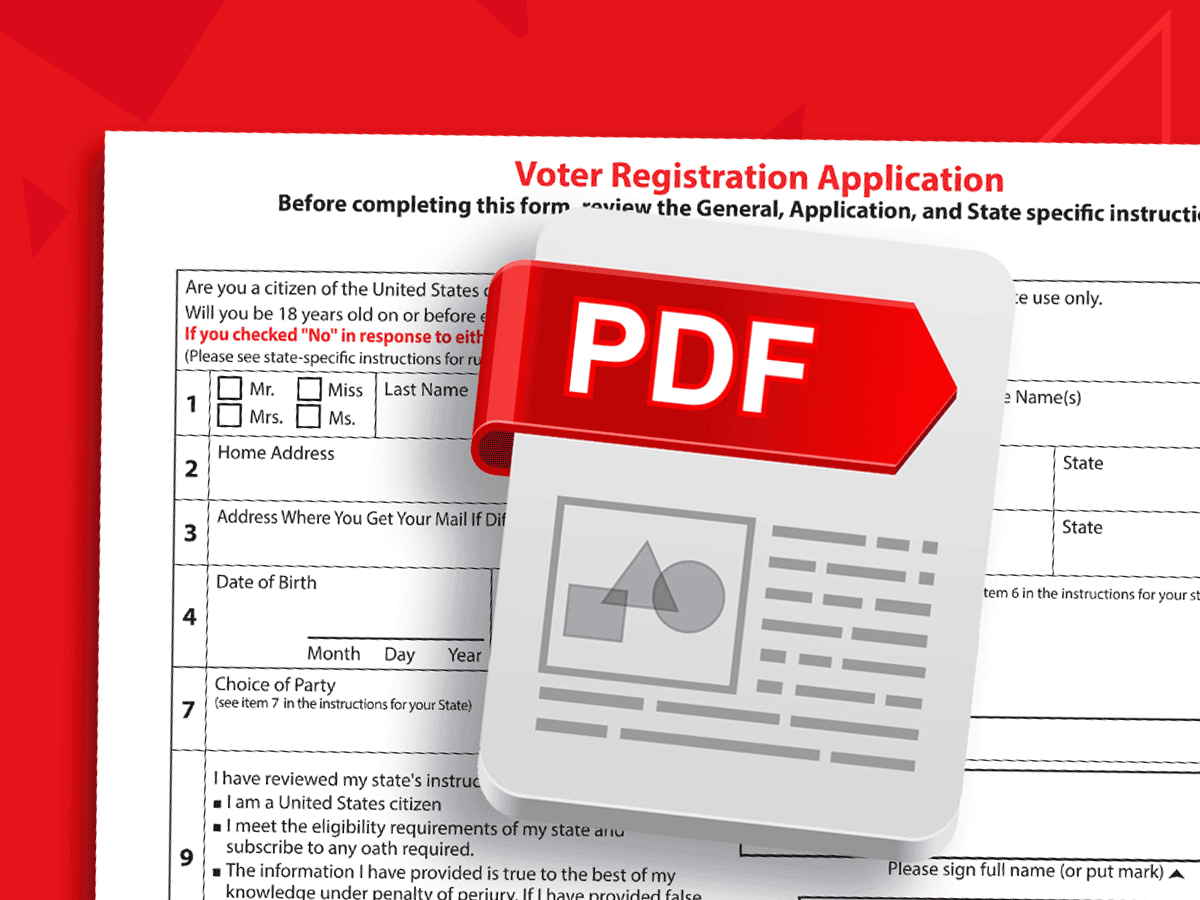
Learn how to create simple effective forms from both a source file and PDF. You'll leave with a step-by-step guide for creating accessible fillable input fields and forms every time.

Tagged PDFs are essential for accessibility. Yet the post-export process can be very trying. Learn how to use the InDesign plugin MadeToTag to minimize some of the most tedious steps.
Build the skills to find, fix, and prioritize accessibility barriers

Microsoft Word is the most widely used content creation application. Designed for all levels, learn the most common mistakes to avoid and how to leverage native features to create accessible...
Unravel common accessibility compliance principles! Download this useful WCAG in Plain English reference card.