
Articles and Research
Articles Panel InDesign Script
Have you ever finished exporting and editing your PDF, only to realize you forgot to add something to the Articles Panel? If you’ve worked with the Articles panel in Adobe InDesign, you know it’s the key to getting your document’s tag order right. But, it’s super easy to forget to add some of those things to the Articles Panel and there’s no real good way to check it. This is where our script comes in.
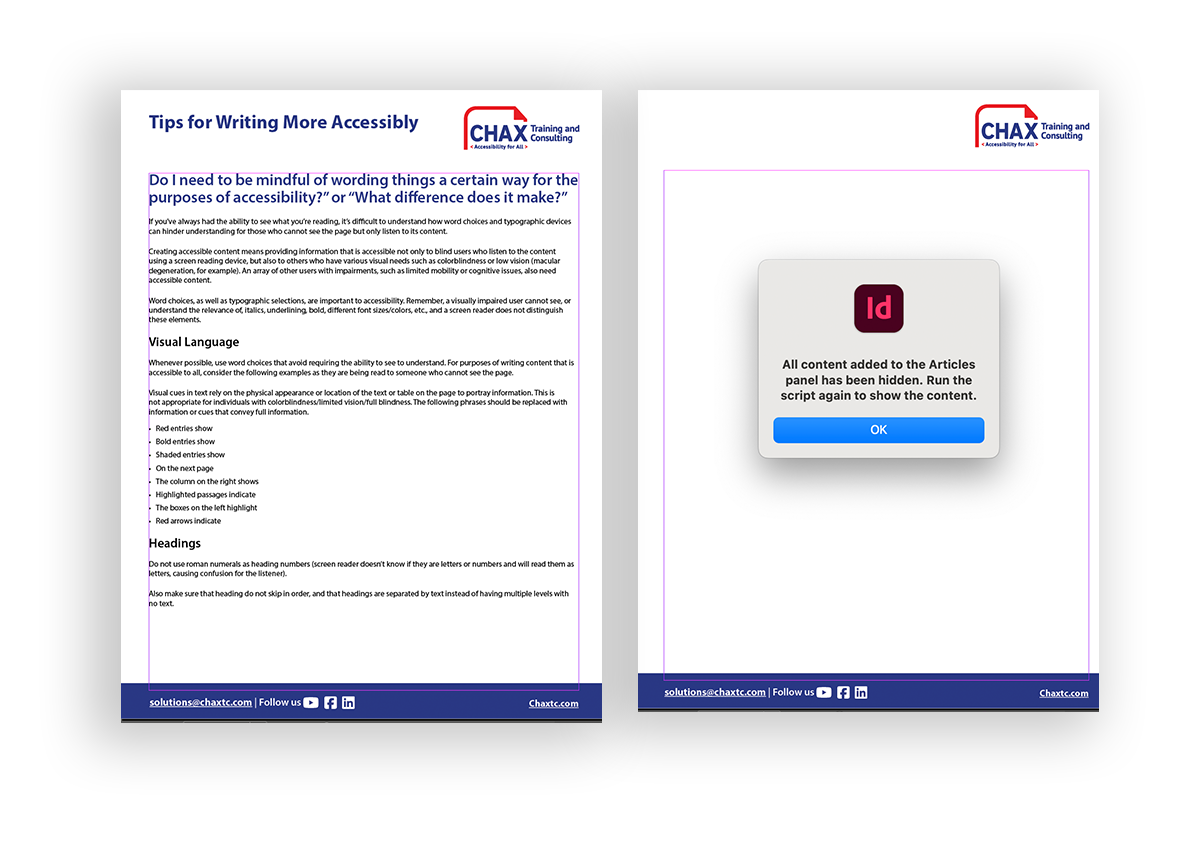
Chax would like to introduce you to a new script that we developed in conjunction with our colleague Keith Gilbert to help solve this very problem. The script works like a toggle that hides and shows everything in your articles panel. Fill out the form below to automatically download the script.
Articles Panel InDesign Script
This script will toggle the visibility of InDesign elements added to the articles panel. Very. helpful for long complex documents with many elements!


In this article:
Related Content

What 2025 Taught Us About Accessibility and What Comes Next

The Real Cost of Accessibility: Tools, Time, and ROI
Related classes
-
 CAECs Eligible
 3 Hours
How to Effectively Use: CommonLook
Tired of the limitations of Adobe Acrobat when remediating PDFs at scale? Whether you’re new to CommonLook or looking to sharpen your skills, this session will help you remediate smarter,…11:00 am EST | 8:00 am PST -
 CAECs Eligible 2 Hours
Make It Make Sense: Accessible Web Content
Make digital web content more accessible! Learn how to avoid barriers that negatively impact your audience. Dive deep into well-reasoned and researched judgment calls on WCAG standards.11:00 am EST | 8:00 am PST -
 CAECs Eligible 3 Hours
Microsoft Word Best Practices for Accessibility
Microsoft Word is the most widely used content creation application. Designed for all levels, learn the most common mistakes to avoid and how to leverage native features to create accessible…11:00 am EST | 8:00 am PST -
 CAECs Eligible 3 Hours
PDF Tags Tree Basics
What should your document’s tags look like? Our hands-on approach to this topic will give you the critical thinking skills needed to spot, evaluate, and remediate compliance issues quickly.11:00 am EDT | 8:00 am PDT -
 CAECs Eligible 3 Hours
 3 Free Plugins
Adobe InDesign Best Practices for Accessibility
Learn time-saving secrets that bring InDesign’s accessibility features to the forefront. As a bonus, receive Chax’s custom InDesign plugins and checklists! Designed for all levels of InDesign users.11:00 am EDT | 8:00 am PDT -
 CAECs Eligible
  3 Hours
Accessible Document Testing with Adobe Acrobat
Responsible for creating or reviewing PDFs? Learn how to identify and fix the most common issues using a range of techniques to ensure your PDFs are fully accessible.11:00 am EDT | 8:00 am PDT
Need help making your digital content more accessible?
Unravel common accessibility compliance principles! Download this useful WCAG in Plain English reference card.