
Accessible Best Practices for Tables
Tables are a great way to organize and present data. We cover the basics of how to build compliant tables, manage table structures, and resolve irregular accessibility checker errors.
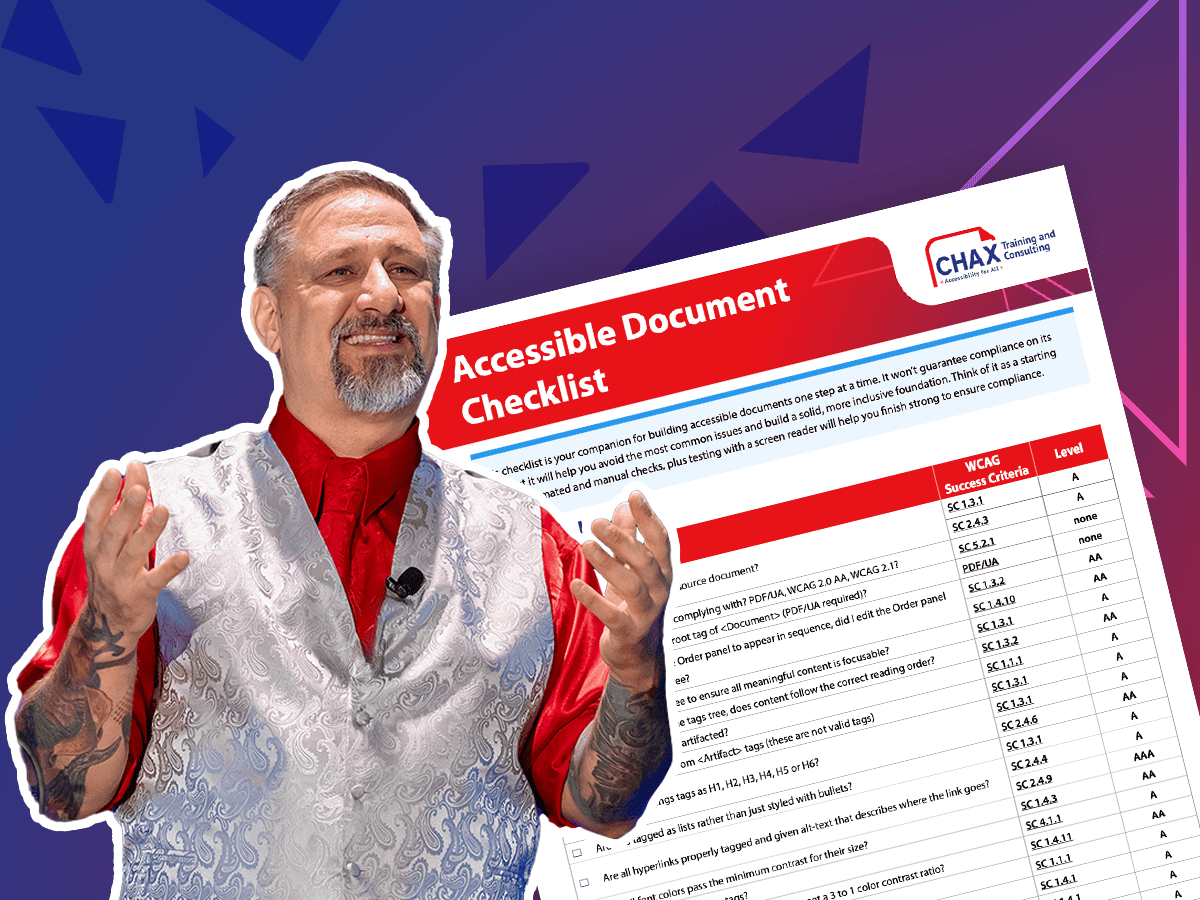
Assistive technology may feel daunting. Testing a document with a screen reader, like NVDA, is the ultimate way to ensure accessibility. We empower you with an evaluation checklist and various shortcuts.
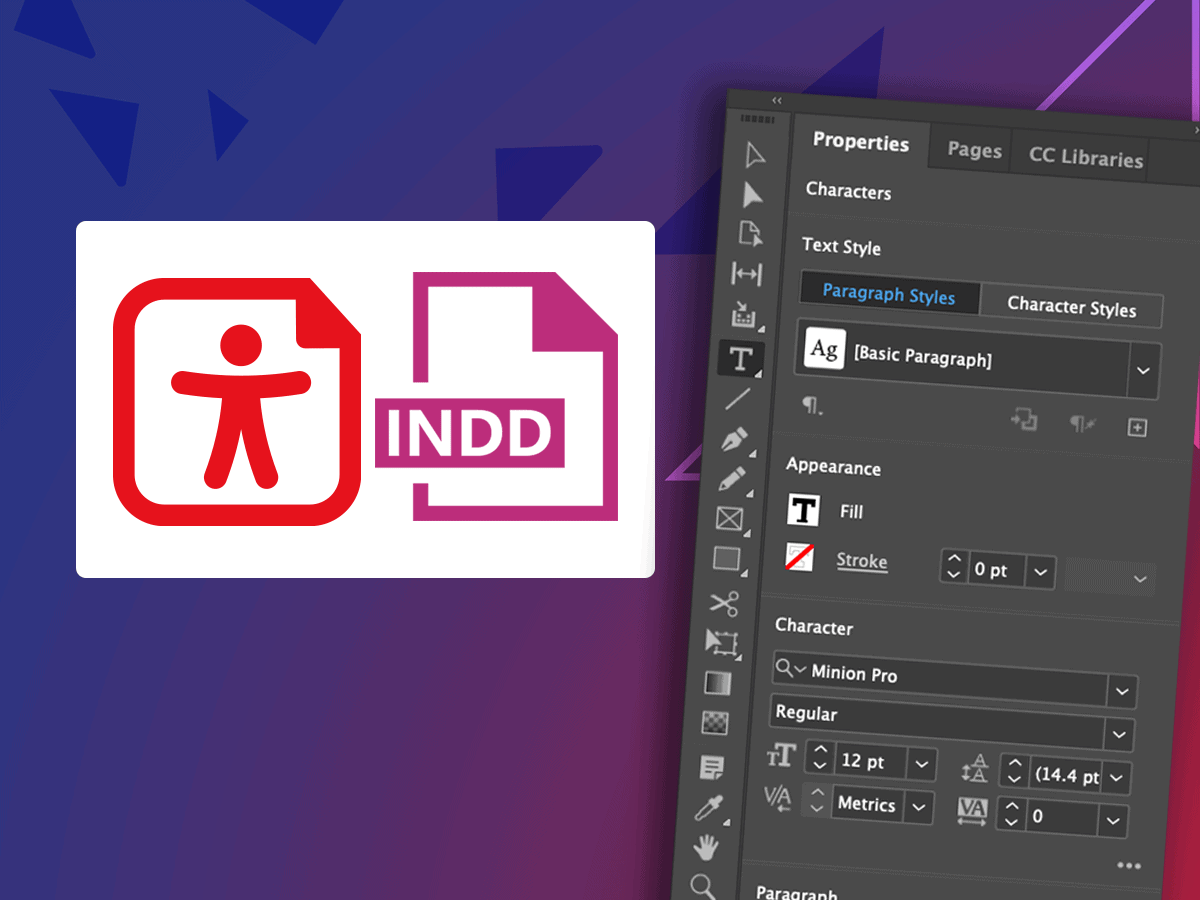
Learn time-saving secrets that bring InDesign's accessibility features to the forefront. As a bonus, receive Chax’s custom InDesign plugins and checklists! Designed for all levels of InDesign users.
Learn how to make your digital content more inclusive and effective. From alt text to captions, this course takes the guesswork out of accessible social media so your message connects with everyone and strengthens your brand.
Are you thinking critically about your audience when creating presentations or planning events? With a little focus, intention, and inclusive tools, learn how to confidently present and host for all audiences.
Microsoft PowerPoint has several shortcomings that result in inaccessible content. Review accessibility tools within the software, explore known barriers, and create more accessible content.
Together, we identify the most common content-related accessibility barriers and overcome them with design decisions that free your creativity.
Unravel common accessibility compliance principles! Download this useful WCAG in Plain English reference card.