

Advanced Table Remediation
In this advanced class, we explore how to solve the tough table problems and complex structures. Leave this class with table remediation superpowers!
In this advanced class, we explore how to solve the tough table problems and complex structures. Leave this class with table remediation superpowers!
Build a better in-house accessibility program by identifying and addressing common barriers. Gain a scaffolding to understand the needs and accommodations that benefit everyone.
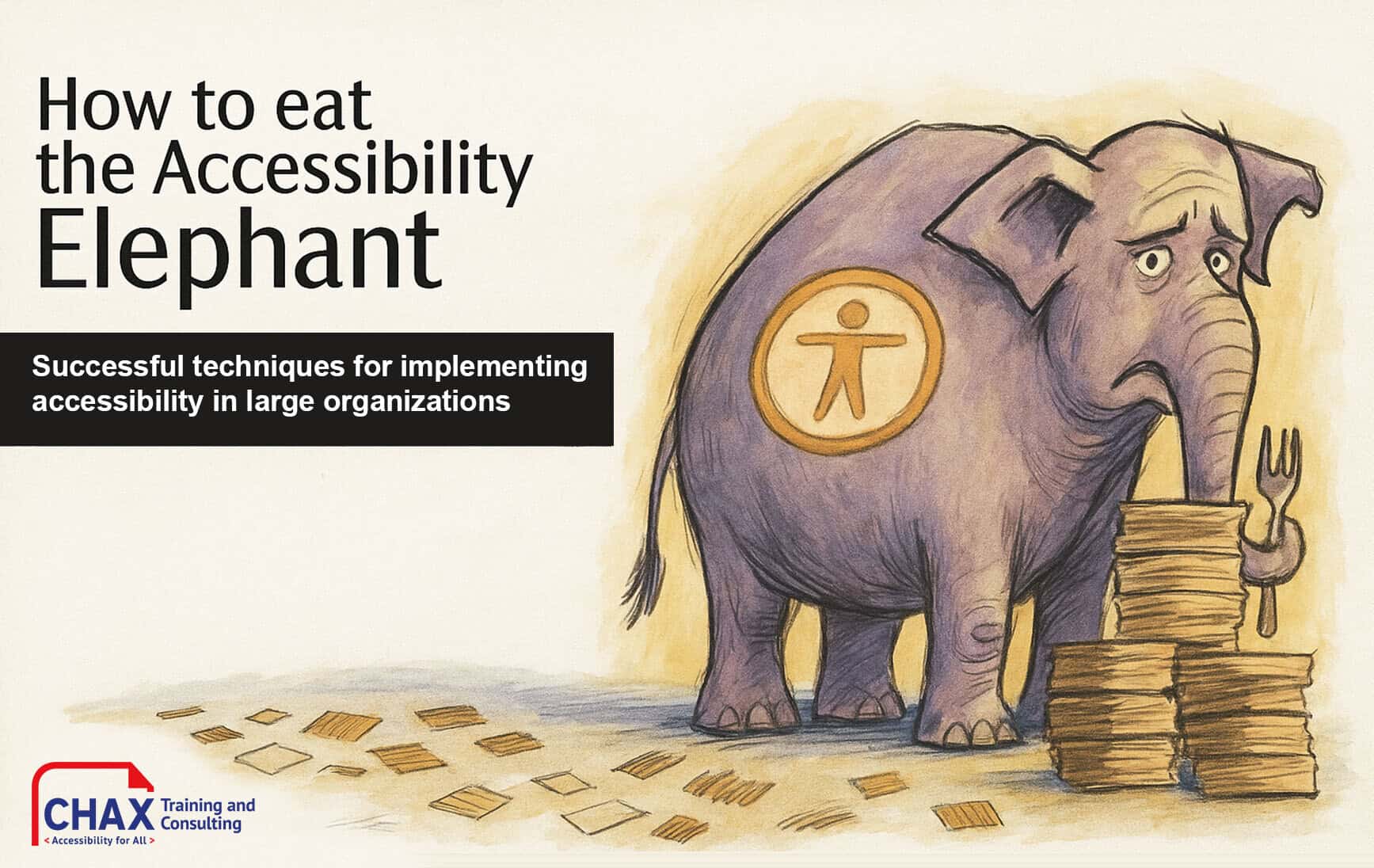
Learn how to build an accessibility program that strengthens your brand, reduces risk, and creates lasting, organization-wide inclusion, one practical step at a time.

Build the skills to find, fix, and prioritize accessibility barriers
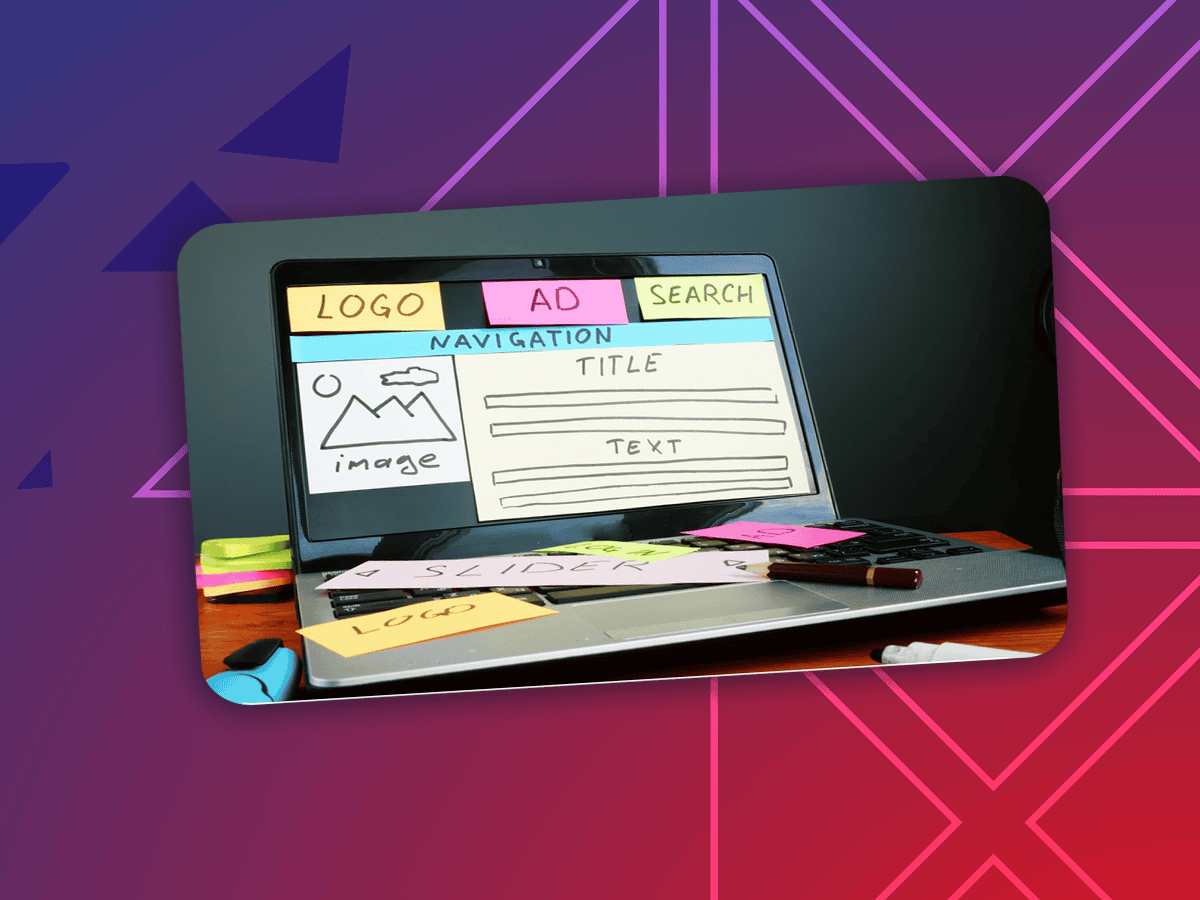
Make digital web content more accessible! Learn how to avoid barriers that negatively impact your audience. Dive deep into well-reasoned and researched judgment calls on WCAG standards.
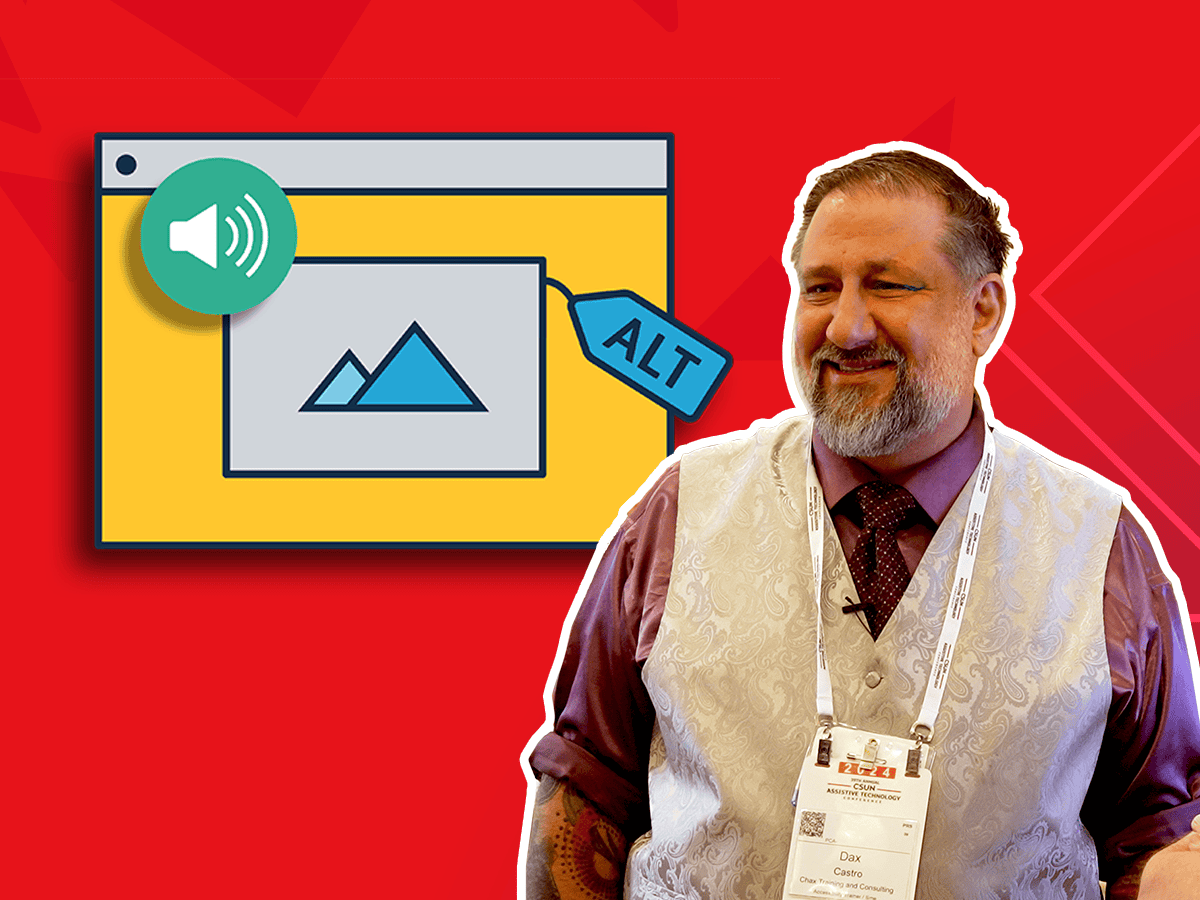
Crafting alt text for images, charts, and more is very nuanced. We start with “What is the expected user experience?” and provide you with a proven formula and set of exploratory questions to ask.

Microsoft PowerPoint has several shortcomings that result in inaccessible content. Review accessibility tools within the software, explore known barriers, and create more accessible content.
Tables are a great way to organize and present data. We cover the basics of how to build compliant tables, manage table structures, and resolve irregular accessibility checker errors.

Let’s explore some complex charts and graphs, define the ideal user experience, and use a proven formula to design and describe more accessible images.

Are you thinking critically about your audience when creating presentations or planning events? With a little focus, intention, and inclusive tools, learn how to confidently present and host for all audiences.
Unravel common accessibility compliance principles! Download this useful WCAG in Plain English reference card.