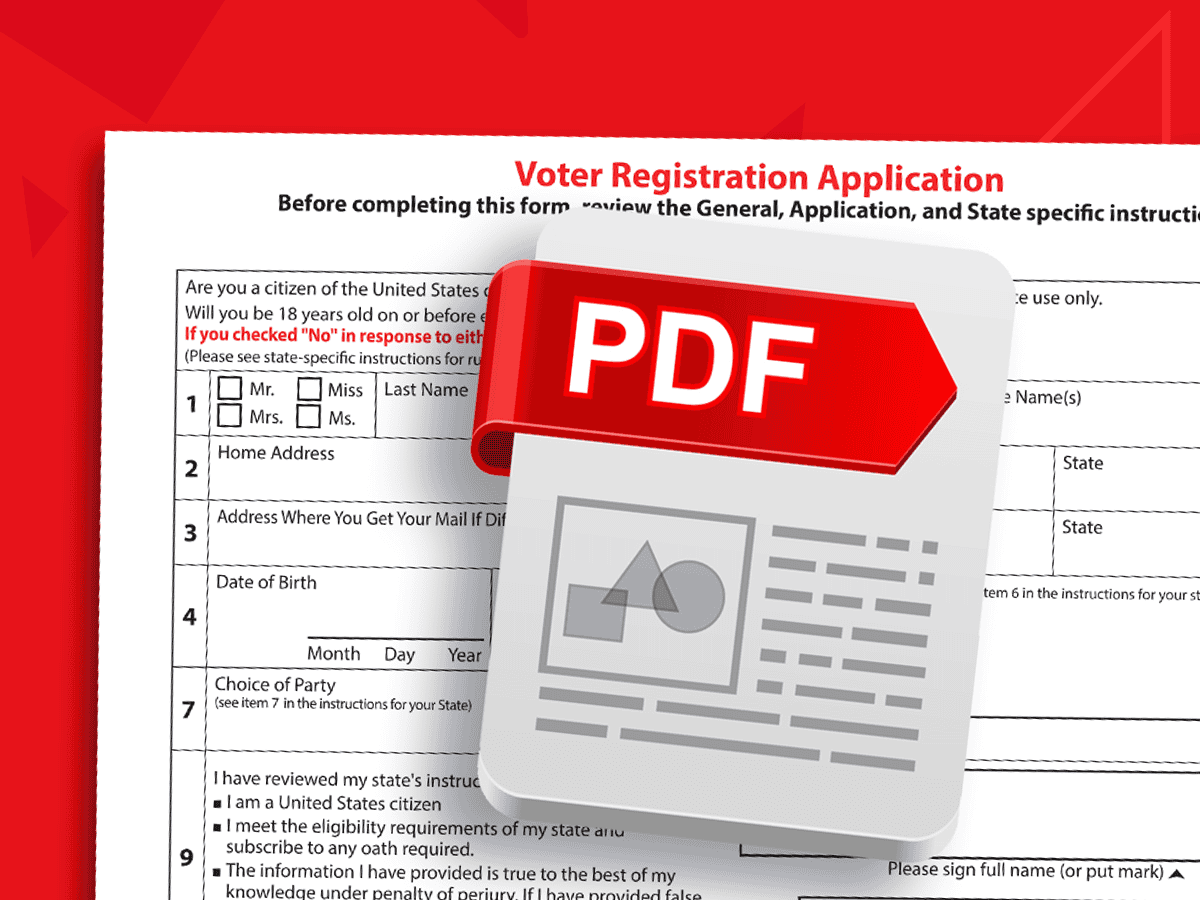
Accessible PDF Forms
Learn how to create simple effective forms from both a source file and PDF. You'll leave with a step-by-step guide for creating accessible fillable input fields and forms every time.
Learn how to create simple effective forms from both a source file and PDF. You'll leave with a step-by-step guide for creating accessible fillable input fields and forms every time.
Assistive technology may feel daunting. Testing a document with a screen reader, like NVDA, is the ultimate way to ensure accessibility. We empower you with an evaluation checklist and various...
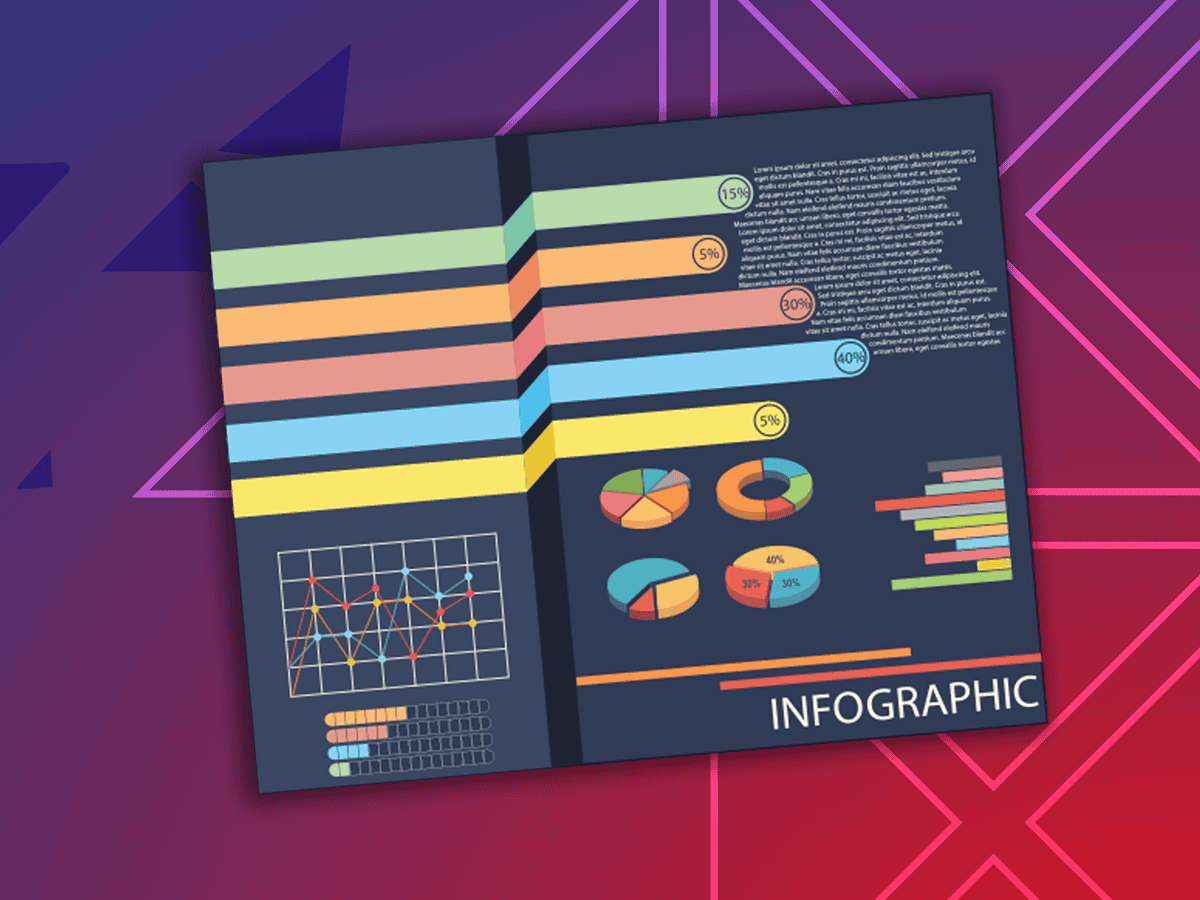
Let’s explore some complex charts and graphs, define the ideal user experience, and use a proven formula to design and describe more accessible images.

Creating, designing, and developing emails presents interesting accessibility challenges. Learn how to avoid barriers that negatively impact those who receive your marketing content.
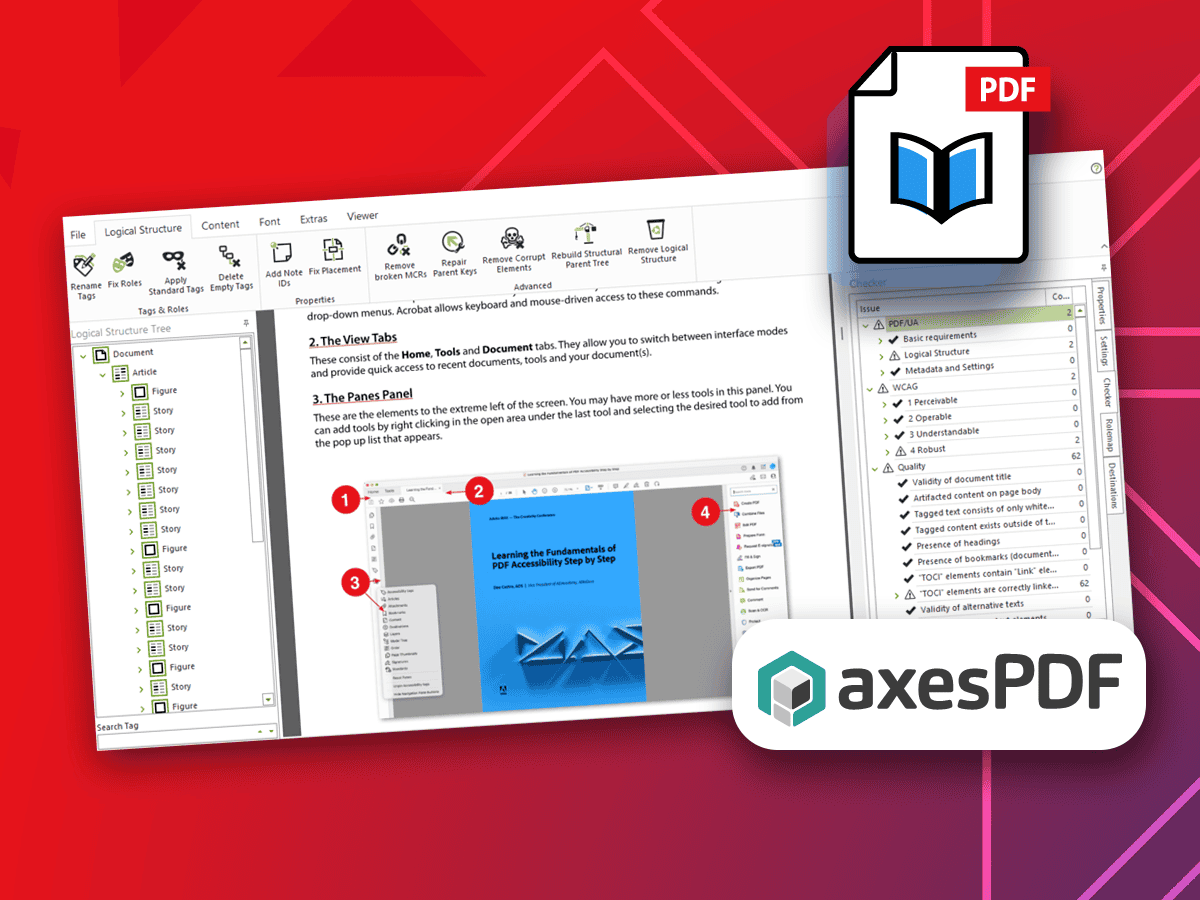
Use PAC 2026 to decode errors and meet PDF standards with confidence
Make digital web content more accessible! Learn how to avoid barriers that negatively impact your audience. Dive deep into well-reasoned and researched judgment calls on WCAG standards.
Crafting alt text for images, charts, and more is very nuanced. We start with “What is the expected user experience?” and provide you with a proven formula and set of...
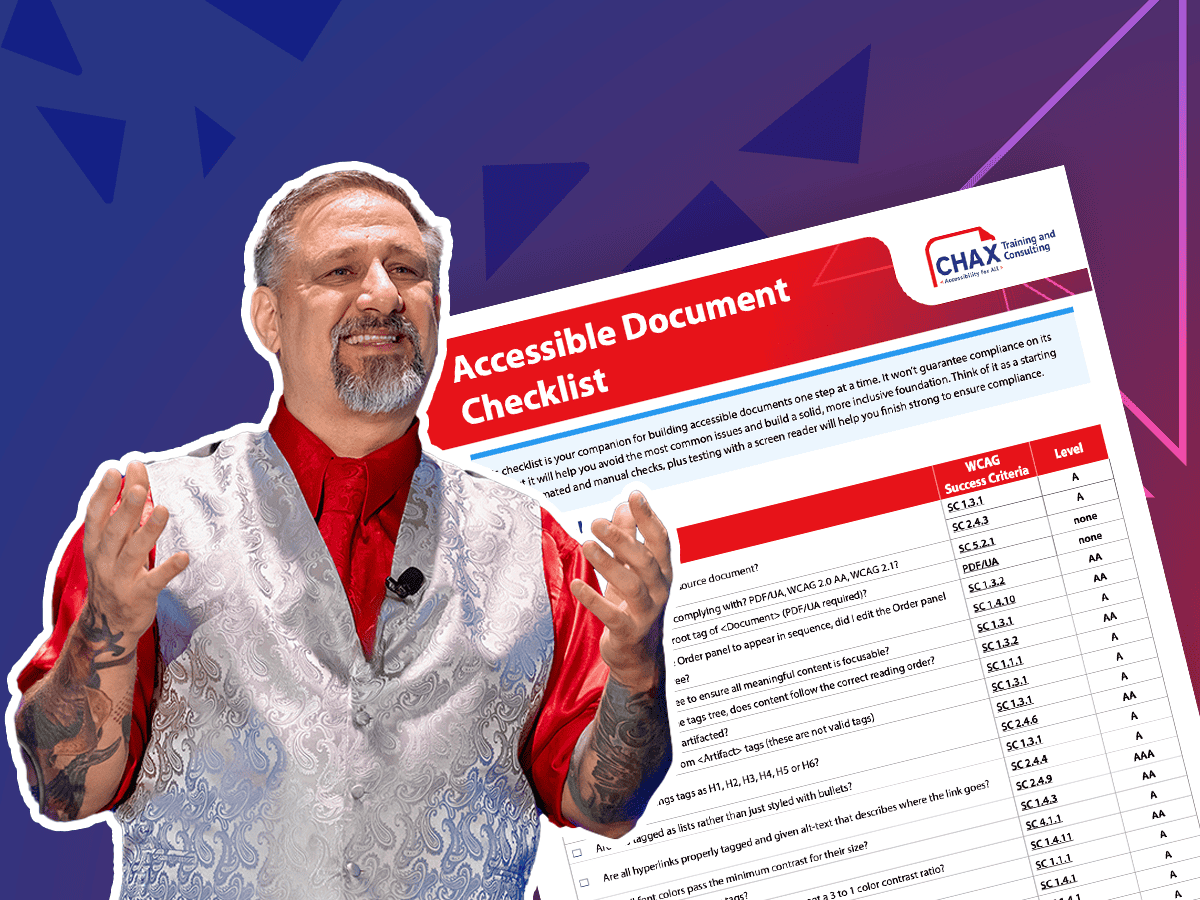
Responsible for creating or reviewing PDFs? Learn how to identify and fix the most common issues using a range of techniques to ensure your PDFs are fully accessible.

Let us tailor accessibility classes to your needs, using your team’s assets. Choose from a catalog of two dozen options.
The best PDF accessibility tool depends on your starting point

Proven accessibility versus experimental AI features needing oversight
Accessibility wins, challenges, and what’s ahead in 2026
Unravel common accessibility compliance principles! Download this useful WCAG in Plain English reference card.

Join the waitlist to get notified when the next class is scheduled.

Why Join the waitlist?
Receive emails when the class reschedules and becomes available.
Chax classes are CAECs eligible and can help you level up your professional skills. Contact Us to learn more.