
Articles and Research
Accessible Letterhead Mistakes You’re Probably Making
Follow us:
Letterhead may be designed to lock in an organization’s branding, but it can also lock meaningful information away from screen reader users. When logos, contact information, board listings, and hyperlinks are placed in Microsoft Word’s header or footer, important content may disappear from the reading order and links can create untagged annotation errors in the exported PDF. In this episode of Chax Chat, Dax Castro and Chad Chelius explore what accessible letterhead should contain, why a flattened image is not a reliable solution, and how to decide where letterhead information belongs in the reading order. They also discuss live text, repeated links, first-page treatment, efficient heading navigation, and when bookmarks provide a better experience than trying to make a PDF behave like a website.
Listen to more Chax Chat Podcast Episodes

Need to speak with an expert right away?
Go to our Chax Expert Help Desk right away.

-
 IAAP Credits Eligible
 3 Hours
Developers’ Guide to Accessibility Issues and Remediation
Build the skills to find, fix, and prioritize accessibility barriers11:00 am EST | 8:00 am PST
In this article:
Related Content
Tags Tree Tips You Should Know
What’s New in Accessibility
Related classes
-
 IAAP Credits Eligible 3 Hours
Code That Speaks: A Guide to Screen Reader Web Testing
Ensure the usability of your digital experiences! Dive deep into web accessibility testing. Get comfortable with NVDA and VoiceOver, learn shortcuts, and follow testing checklists that help you build more…11:00 am EDT | 8:00 am PDT -
 IAAP Credits Eligible 3 Hours
 Special Offer
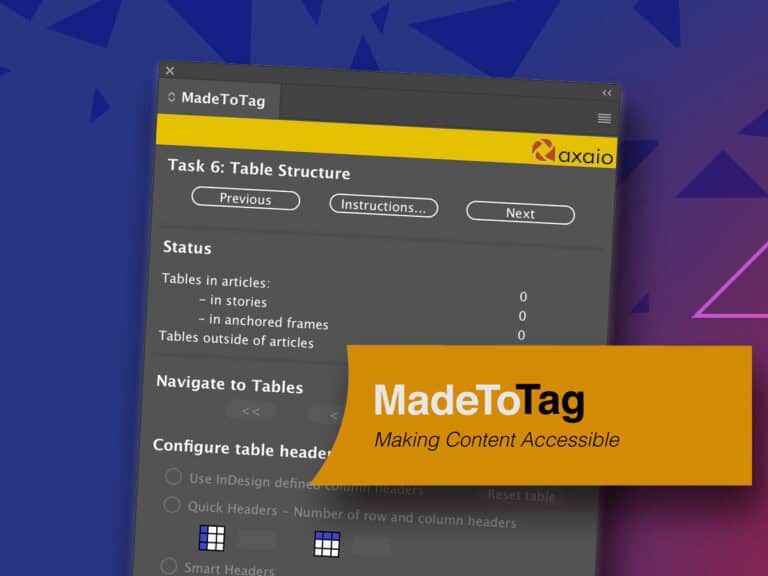
How to Effectively Use: MadeToTag
Tagged PDFs are essential for accessibility. Yet the post-export process can be very trying. Learn how to use the InDesign plugin MadeToTag to minimize some of the most tedious steps.11:00 am EST | 8:00 am PST -
 IAAP Credits Eligible 3 Hours
Microsoft PowerPoint Best Practices for Accessibility
Microsoft PowerPoint has several shortcomings that result in inaccessible content. Review accessibility tools within the software, explore known barriers, and create more accessible content.11:00 am EST | 8:00 am PST
Need help making your digital content more accessible?
Unravel common accessibility compliance principles! Download this useful WCAG in Plain English reference card.