Adobe InDesign Best Practices for Accessibility
Learn time-saving secrets that bring InDesign's accessibility features to the forefront. As a bonus, receive Chax’s custom InDesign plugins and checklists! Designed for all levels of InDesign users.
Learn time-saving secrets that bring InDesign's accessibility features to the forefront. As a bonus, receive Chax’s custom InDesign plugins and checklists! Designed for all levels of InDesign users.
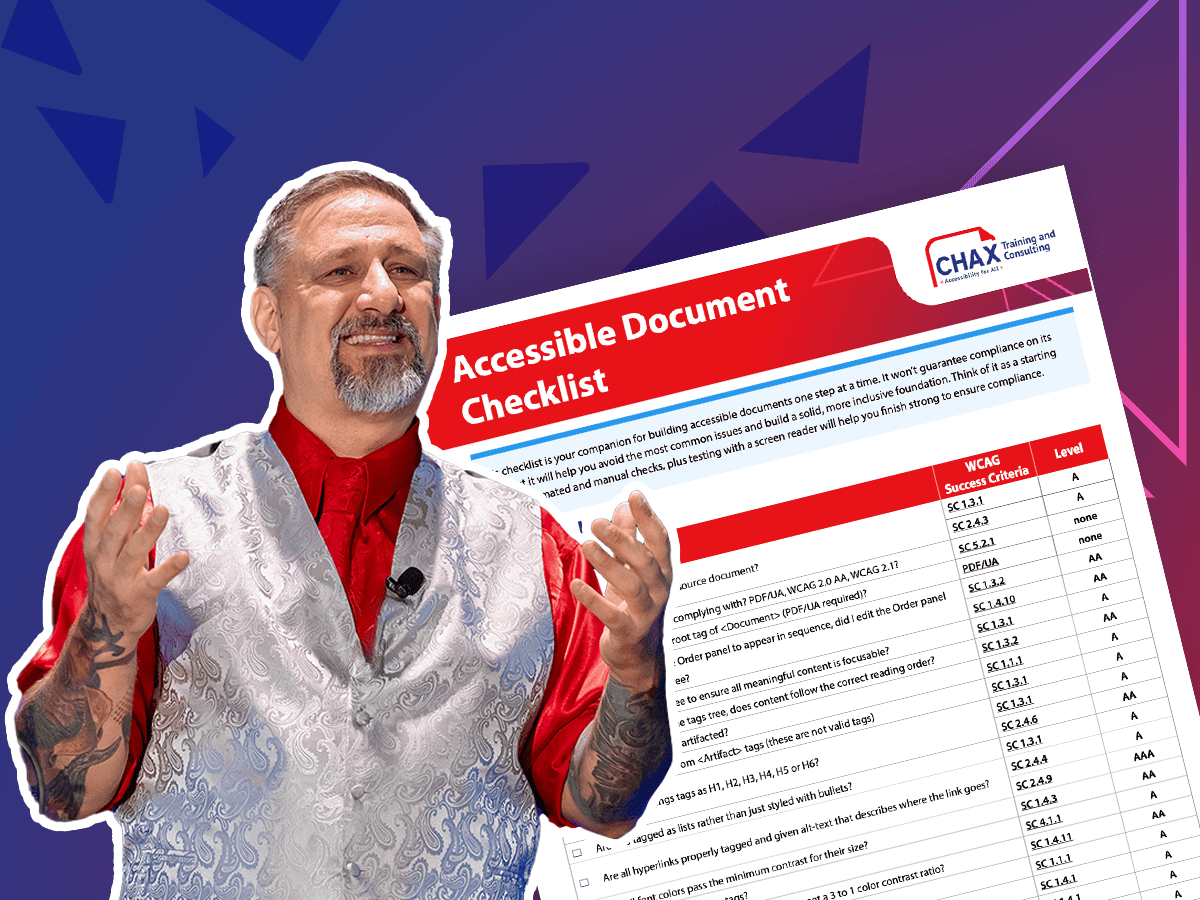
Responsible for creating or reviewing PDFs? Learn how to identify and fix the most common issues using a range of techniques to ensure your PDFs are fully accessible.

Assistive technology may feel daunting. Testing a document with a screen reader, like NVDA, is the ultimate way to ensure accessibility. We empower you with an evaluation checklist and various shortcuts.

Let’s explore some complex charts and graphs, define the ideal user experience, and use a proven formula to design and describe more accessible images.
Unravel common accessibility compliance principles! Download this useful WCAG in Plain English reference card.